
Leon County Jail Roster Overview
The Leon County jail roster is the public inmate search run by the Leon County Sheriff's Office under Sheriff Walt McNeil. It lists people booked into and held at the Leon County Detention Facility on Appleyard Drive in Tallahassee. The detention facility handles booking for every law enforcement agency working in the county, so a roster entry can come from a city, county, or campus arrest. The Sheriff's Office is responsible for the care, custody, and control of these inmates. The roster updates as people are booked in and released, so a name can appear within hours of an arrest and drop off once the person leaves custody.
The search is informational only. It is not a background check, and it does not reflect the final disposition of any case. A roster entry shows arrest and booking data, which is an early snapshot, not a conviction. Someone listed today may be released, cleared, or never charged at all. Read each result as a record of one arrest, nothing more.
Several groups never show on this roster. People held in Florida state prison appear in the state corrections system, not the county jail. People in federal custody appear in the federal locator. And immigration holds, juvenile detention, and out-of-county jails each run on their own systems. If a name does not turn up here, the person may be held somewhere else or may already be out.
How to Use the Leon County Inmate Roster
The roster lives on the Sheriff's Office website and is free to use. You reach it through the Leon County Sheriff inmate search page. No login is needed, and you do not have to give a reason to search. A last name is the best place to start. The steps below walk through a standard lookup.
- Open the Sheriff's Office inmate search page and read the disclaimer before you run a query.
- Type the last name. Add a first name to cut down on common-name matches.
- If you want, set the ethnicity or gender filters to narrow the list further.
- Run the search and scan the results for the photo, name, age, and arrest date that match.
- Open the View Detail link on the matching row to see fuller booking information.
- For release or bond questions, call the detention facility instead of relying on the screen alone.
The earliest screen you reach is the search form itself, shown on the Sheriff's inmate search page. The form keeps inputs simple so the public can search the Leon County roster with little more than a name. After you submit, the page returns a results table you can scan row by row.
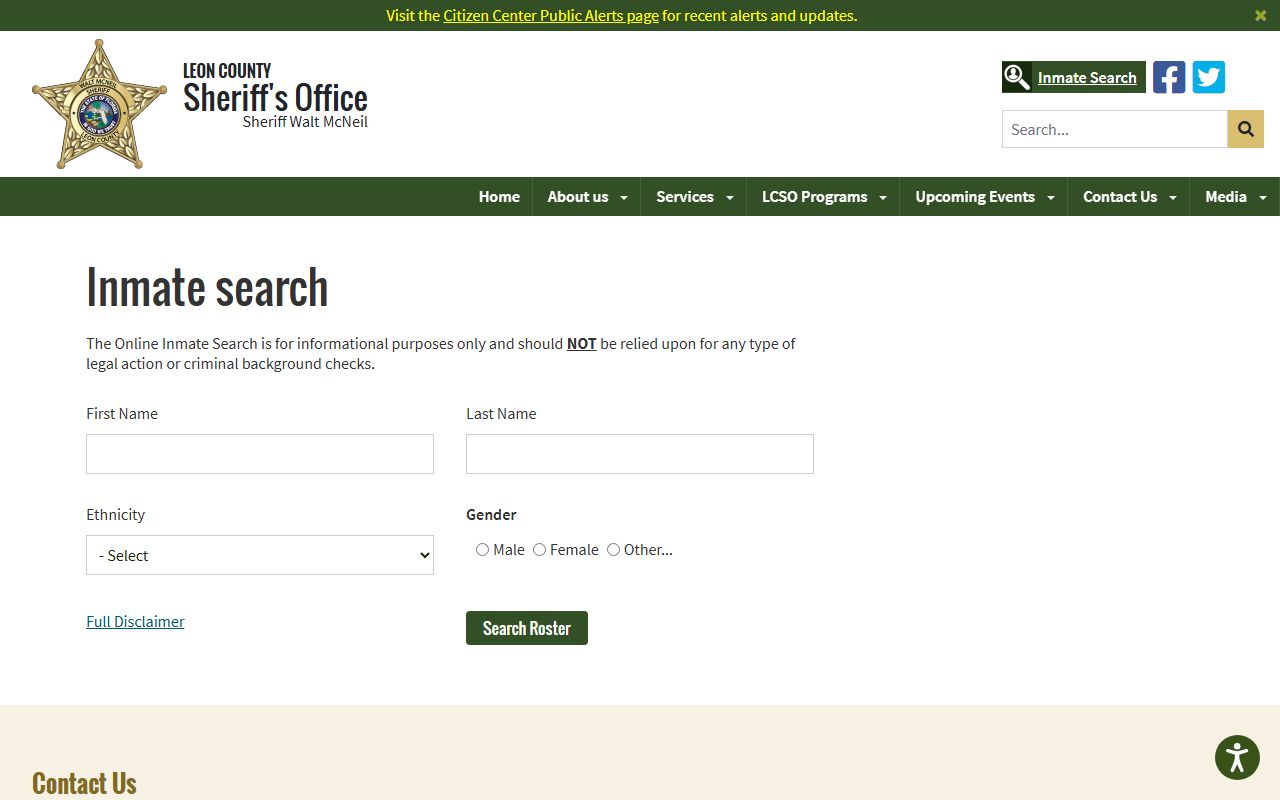
The blank form takes a few fields and a disclaimer acknowledgment, which keeps the Leon County inmate lookup quick for first-time users.
Roster Search Fields
The inmate search form takes a small set of inputs. You do not have to fill them all. A last name alone often returns a workable list, and the demographic filters help when a name is common. The table lists each field on the public Leon County inmate search and how it is used.
| Field Label | Type | Required | Notes |
|---|---|---|---|
| First Name | Text | No | Enter a first name to narrow the current-custody search. |
| Last Name | Text | Recommended | The main search key; start here for the best results. |
| Ethnicity | Dropdown | No | Options include White, Black, Oriental/Asian, American Indian/Alaskan Native. |
| Gender | Radio / dropdown | No | Male, Female, or Other. |
| Full Disclaimer | Acknowledgment | Yes | Warns the data is informational only and not for background checks. |
| Search | Button | n/a | Runs the query against the current jail roster. |
The disclaimer is the part people skip. Read it. It states plainly that the search is for information only and should not be relied on for legal action or criminal background checks. It also explains the data shows arrest and booking details and does not reflect final disposition. For a full criminal history, the Sheriff's Office points to the Florida Department of Law Enforcement public records, listed at 850-410-8161, Monday through Friday, 9 a.m. to 4 p.m. Eastern.
What an Inmate Profile Shows
Each search returns a results table, and each row stands for one person and one recent arrest. The columns give you the basics at a glance: a photo, the name and age, key dates, custody status, charges, and which agency made the arrest. A View Detail link on the row opens fuller booking information. The table below breaks down each field and what it tells you.
| Field | What It Shows |
|---|---|
| Photo | The booking image, or mugshot, taken at intake. |
| Full Name / Age | The name in last, first, middle order, with age shown under the name. |
| Last Arrest Date | The date of the most recent arrest, in MM/DD/YYYY form. |
| Last Release Date | The release date; current inmates often show a placeholder of 01/01/0001. |
| In Jail? | A Yes or No flag for current custody. |
| Charge(s) | One or more charges, sometimes comma-separated in a single cell. |
| Arresting Agency | The agency that made the arrest, such as Tallahassee Police Department, Leon County Sheriff, or Florida State University Police Department. |
The results page is where most people spend their time. It groups everything you need into one scannable view.
To see how the columns line up in practice, look at the Leon County inmate search results page. The layout puts the photo, name, dates, and charges side by side so you can confirm a match fast.
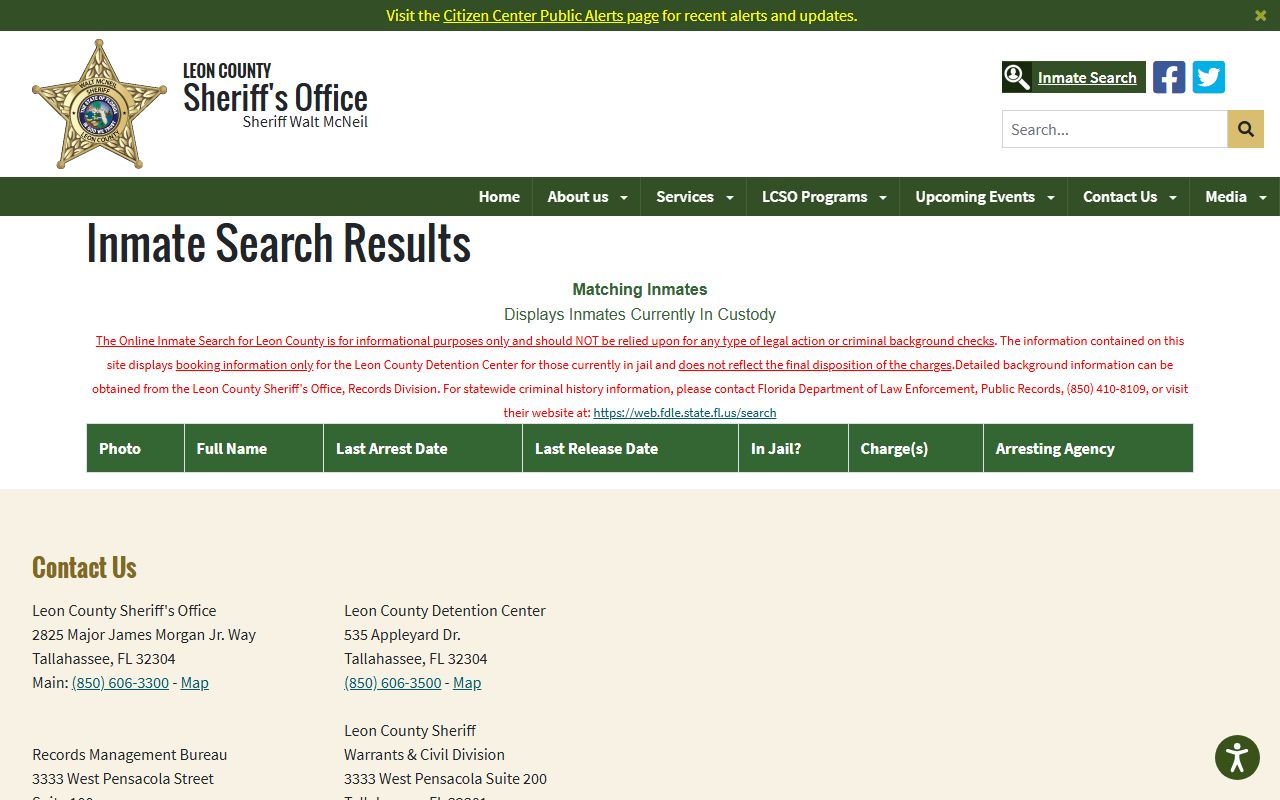
A result row pairs the booking photo with the charges and arresting agency, which is enough to confirm a Leon County inmate before you call the jail.
Note: Booking data on the roster shows an arrest only and does not reflect final disposition, so never treat a listed charge as a conviction.
Leon County Jail Facilities
Booking and detention in Leon County run through one main facility. The Leon County Detention Facility opened in late 1993 with a capacity of 1,219 people. It holds inmates arrested across the county and is staffed by sworn correctional officers and civilian support members. Two more Sheriff's Office locations matter for records and releases: the main office and the Records Management Bureau. The cards below give the address and phone for each.
Leon County Detention Facility
535 Appleyard Drive
Tallahassee, FL 32304
850-606-3500
Release and bond information; capacity 1,219
LCSO Main Office
2825 Major James Morgan Jr. Way
Tallahassee, FL 32304
850-606-3300
General Sheriff's Office contact
Records Management Bureau
3333 West Pensacola Street, Suite 100
Tallahassee, FL 32304
850-606-3317
Detailed background record requests
The detention facility is the heart of the county jail system, and the Sheriff describes it as a secure facility built for public safety and humane living conditions. For an overview of how it operates, see the Leon County Detention Facility page. It outlines the booking role the jail plays for every agency in the county.
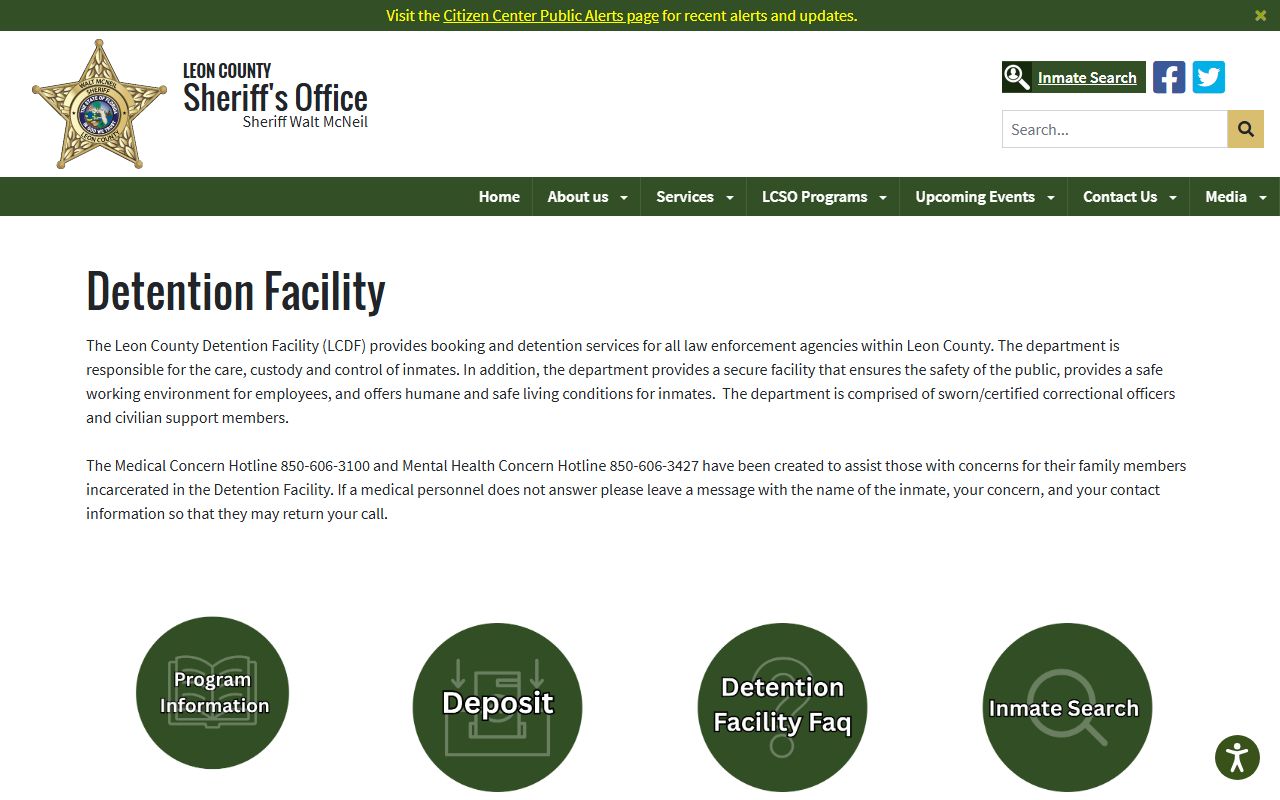
The facility overview confirms the jail books inmates for all county agencies, which is why a single Leon County roster covers city, county, and campus arrests.
Booking Process in Leon County
Booking starts soon after an arrest. The person is brought to the detention facility, where staff record identity, take a photo, log charges, and run classification to decide housing. Once intake is done, the booking shows on the roster, often within a few hours. The arresting agency is logged too, which is why you see names like the Tallahassee Police Department or the Florida State University Police Department on results.
First appearance comes next. The Sheriff's Office says first appearance starts every morning at 11 a.m. Monday through Friday, and at 8 a.m. on weekends and holidays, in courtroom 2D at the Leon County Courthouse. At first appearance a judge reviews the charges and sets or reviews bond. Full court dates take longer. Depending on whether the matter is a new case or a violation of probation, a court date can take one to six weeks, and the Sheriff's Office directs callers to the Clerk at 850-577-4000 for those dates.
Note: First appearance sets bond but is not a trial, so an early bond amount can change as the case moves through the criminal court system.
Bond and Release in Leon County
Bond is the money or pledge that lets a person leave jail while a case is pending. In Leon County, bond and release run through the Releasing Office, which you can reach at 850-606-3526. Staff there explain what is owed and how to post it. The detention facility main line, 850-606-3500, also handles release and bond questions.
You can post bond a few ways. Credit-card bond posting is allowed if the person posting brings the card and a valid ID to the releasing area. Lists of bondsmen are available in the releasing lobby and through outside sources. One limit to know: warrant and bond information is not given out unless the person is already in custody or has bonded. For warrant details, the person named must request the information in person and turn themselves in with a valid state ID.
Once bond is posted and processed, release can still take time while staff complete paperwork and checks. If a search shows a person still in custody right after a bond is posted, that lag is normal. Call the Releasing Office to confirm status rather than refreshing the roster.
Medical and Mental Health Contacts
The jail provides medical care to all inmates, regardless of whether they can pay. Two hotlines exist for concerns. The Medical Concern Hotline is 850-606-3100, and the Mental Health Concern Hotline is 850-606-3427. Use these lines if you are worried about an inmate's health or need to flag a medical issue.
Some rules apply to care and information. Prescription medications are handled by contacting the inmate's own doctor and filling through the jail's medical unit. Approved medical equipment needs medical approval; that request goes through the 850-606-3100 line. Inmates housed in the medical unit get the same video visitation access as general population unless their condition prevents it. Hospitalized inmates are not allowed visitors unless approved by the Sheriff, the Assistant Sheriff, or a designee. And under HIPAA, the jail cannot release medical information without the inmate's waiver.
Visitation Hours and Rules
The detention facility encourages visits because ties to family and friends matter during custody. In-person visitation relaunched on February 26, 2024. General visits run 30 minutes, and these in-person visits are not monitored or recorded. The schedule splits into a day session and an evening session, with a shift-change lockdown in between. Attorneys get longer visits. The table lays out the windows and limits.
| Visit Type | Time / Length | Rules |
|---|---|---|
| General in-person | 30 minutes | One visitor per inmate per day; no splitting time between inmates. |
| Day session | 8:30 a.m. to last start 4:00 p.m. | Visit must end by 4:30 p.m. for shift change. |
| Evening session | 5:30 p.m. to last start 7:00 p.m. | Visit must end by 7:30 p.m. |
| Attorney in-person | 60 minutes | Attorneys can block multiple times if needed. |
| Video visit | Securus schedule | Booked through Securus; subject to facility schedule and kiosk hours. |
Visitor rules are firm. Visitors must be 16 or older and bring a valid ID. Everyone clears a metal detector, and metal garments or items may block entry; all items are subject to search. Lockers are provided for visitors who arrive by public transportation, and others must leave personal items in their vehicles. A dress code applies too, and it is detailed. The points below cover the main do-not items.
- No halter tops, spaghetti straps, or tube tops.
- Skirts and dresses must reach the knee or below; no shorts above the knee.
- No ripped jeans or pants, and no body-fitted or see-through clothing.
- No head coverings.
- Shoes must be secured to the feet; no flip-flops.
The full set of visitation rules and the dress code live on the Leon County inmate visitation and rules page. Review it before you travel so a clothing or ID issue does not turn you away.
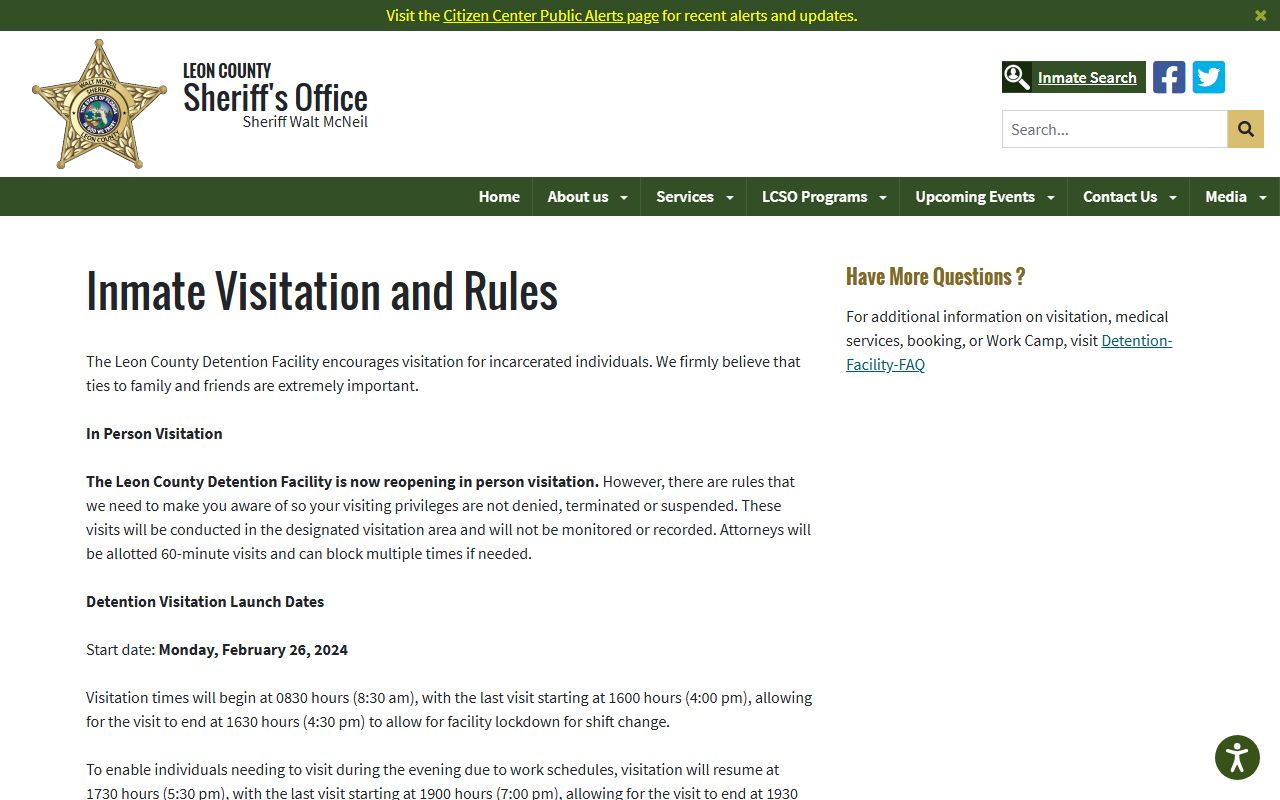
The visitation page spells out the in-person and video options for Leon County inmates, including the 16-and-older ID requirement and the dress standards.
How to Contact an Inmate
Besides in-person visits, families reach inmates through video visits and phone calls. Video visitation runs on Securus Video Connect. Visitors register at securustech.net, pick the facility, review the days, hours, and cost, then schedule a session. Securus knows when an inmate is available and will block a booking if the inmate or kiosk is not free. Once a visit is set, the inmate is notified.
One thing to keep in mind: video visits are monitored and recorded. The Sheriff's Office warns visitors not to say or do anything they would not want replayed in court. That warning matters most while a case is open. For families who cannot make the trip to Appleyard Drive, video units are also set up at the RISE Center, where on-site visits are free, and children of detainees may visit there under a parent or guardian.
Phone service moved to Securus as well. The jail switched its phone provider, so inmate phone funds and call plans go through Securus rather than the prior vendor. To learn what an active warrant could mean for someone in custody, see warrant records, and to follow the underlying case, see criminal records.
Commissary and Inmate Funds
Inmates buy snacks, hygiene items, and other approved goods through commissary, funded by deposits to their account. Leon County uses JPay for canteen deposits. You can deposit online through JPay with a Visa debit or credit card, by phone through JPay at 800-574-5729, or at the kiosk in the detention facility lobby. Online depositors can set up a private account with a user ID and password, print receipts, and view deposit history.
A few rules shape how money moves. The jail stopped taking deposits through the visitation lobby and by mail back on December 15, 2008, so those routes no longer work. The lobby kiosk lets you pick a specific inmate's account; the page notes cash in one spot and cash or card in another, so confirm at the facility before you go. Phone funds for inmate calls run through Securus, separate from commissary deposits.
The official rundown of deposit options sits on the Leon County inmate deposits page. It lists the JPay internet, phone, and kiosk methods together. Check it for current limits and any fees before sending money.
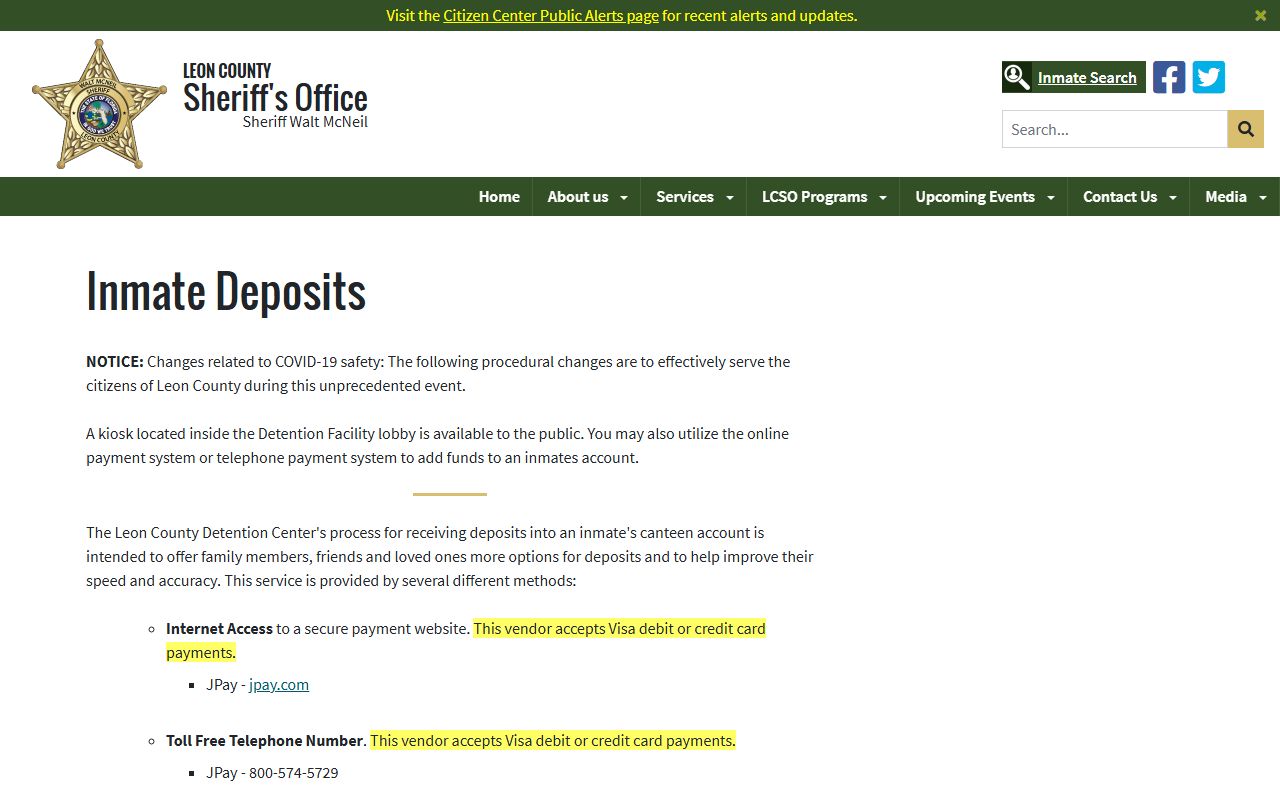
The deposits page shows the JPay and kiosk paths for adding money to a Leon County inmate's commissary account, with mail and lobby deposits no longer accepted.